
To achieve an optimal digital file for printing, you need to set up the resolution, colour space and file formats for each product.
To get the optimal file resolution for a high quality print, please find for each product range you will find a professional section with the exact dimensions and resolutions for each product.
You can use image files in sRGB (sRGB IEC61966-2.1), Adobe RGB (1998) and ProPhoto RGB for photo prints. If you use image files in Adobe RGB (1998), please make sure that the profile has the right name Adobe RGB (1998). Only in this way can it be correctly recognised and processed.For multi-image products (collages) we recommend that the colour space of the files is identical.
The following colour spaces are not accepted:
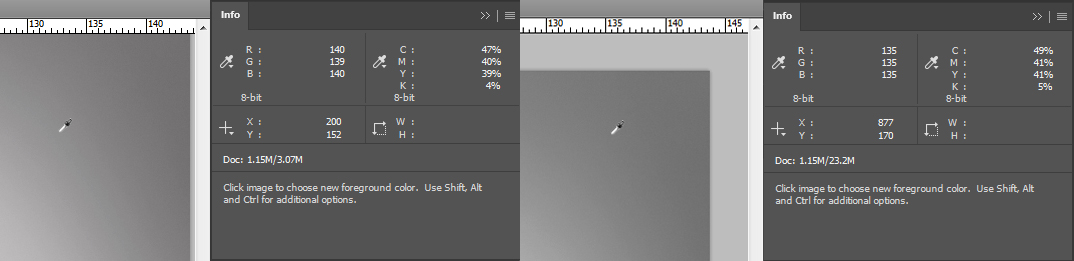
If a greyscale image in the RGB colour space does not have identical colour values, a colour cast can occur in the image. You must check that the RGB values are identical and adjust the image if necessary before ordering.
Saal Digital supports the following file formats:
Please note that due to technical limitations the maximum file size for uploading is limited. If your file exceeds this limit, please reduce the file size accordingly.
Here are the maximum file sizes for different platforms:

Store, share, and sell your photos with ease. We go beyond software; we’re your all-in-one fulfillment and lab partner. With marketing automation, order management, and analytics, it’s everything you need to succeed online.

Get exclusive discounts and designing tips! By signing up, you acknowledge our Privacy Policy. You can unsubscribe at any moment.




Your language setting does not match the language of this website. Please choose:
Your language setting does not match the language of this website. Please choose:

 Change your country







